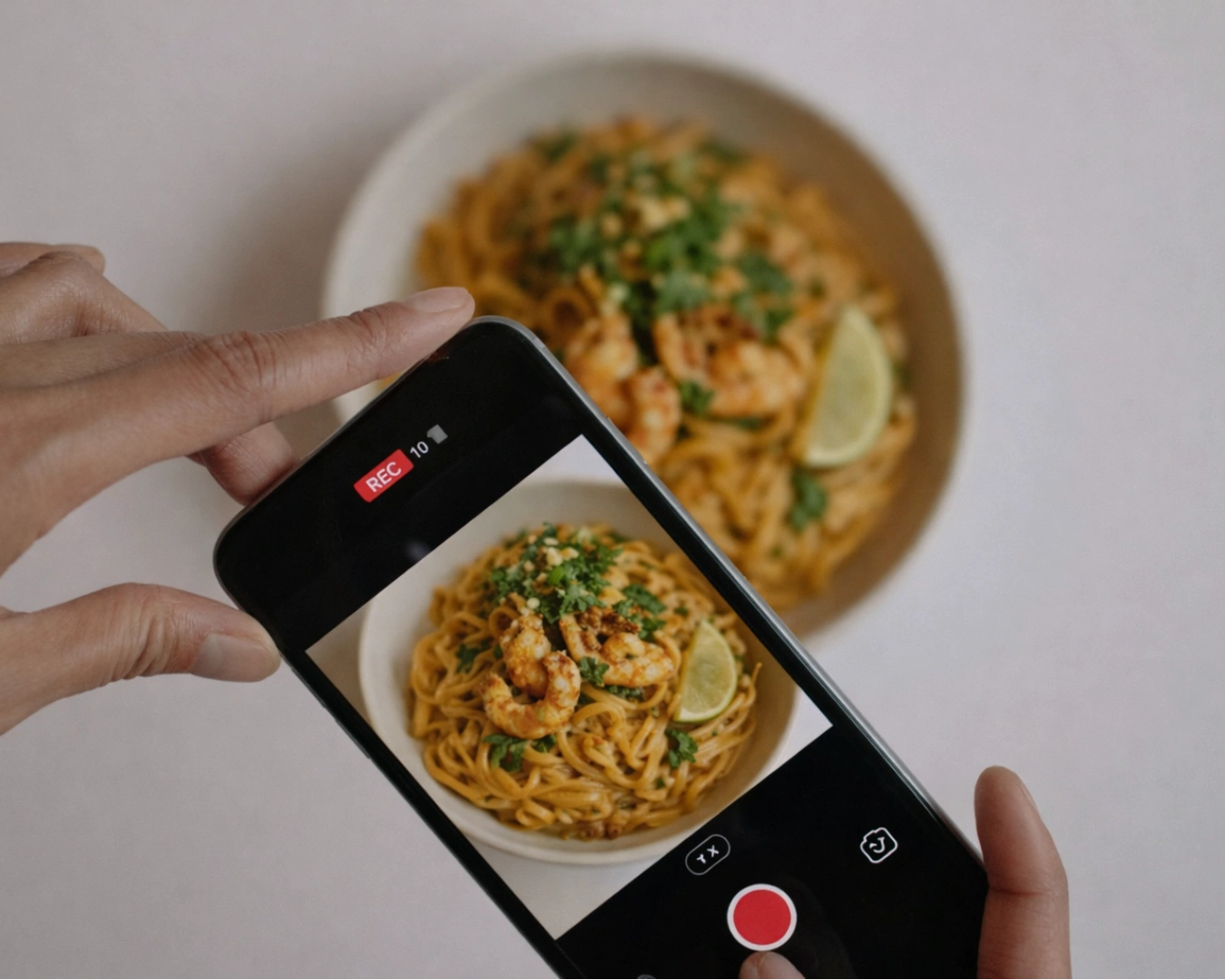

You are sitting in your office at 4:00 PM. Service starts in an hour. You pull up your own website on your phone to check a price, but the PDF won’t load. You pinch and zoom. You scroll past a massive, pixelated photo of a pasta dish that was taken three years ago. By the time you find the actual menu, you realize that if you were a customer, you would have closed the tab thirty seconds ago.
Your online menu is often the only thing standing between a potential guest and a booking. In Singapore, where diners research extensively before they travel, a friction-heavy digital menu is a silent killer of conversions. Fixing your online menu is not about a total brand overhaul. It is about addressing the small, operational details that directly impact a diner’s decision to visit.
Stop Using PDF Menus
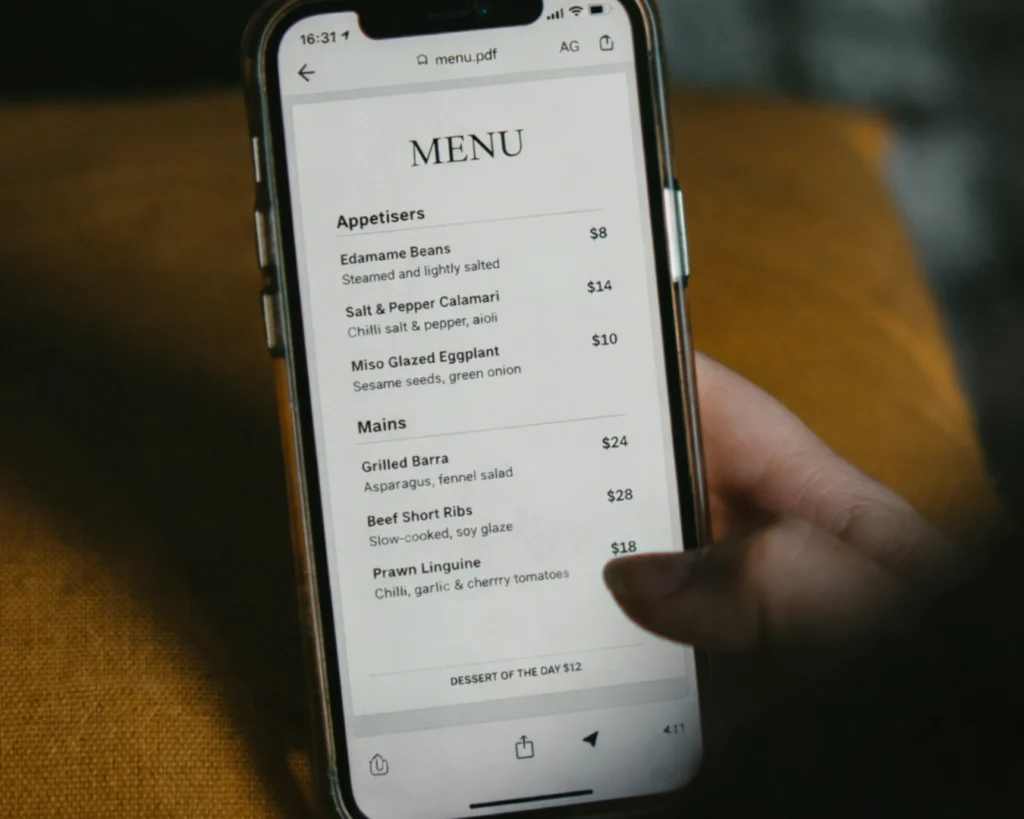
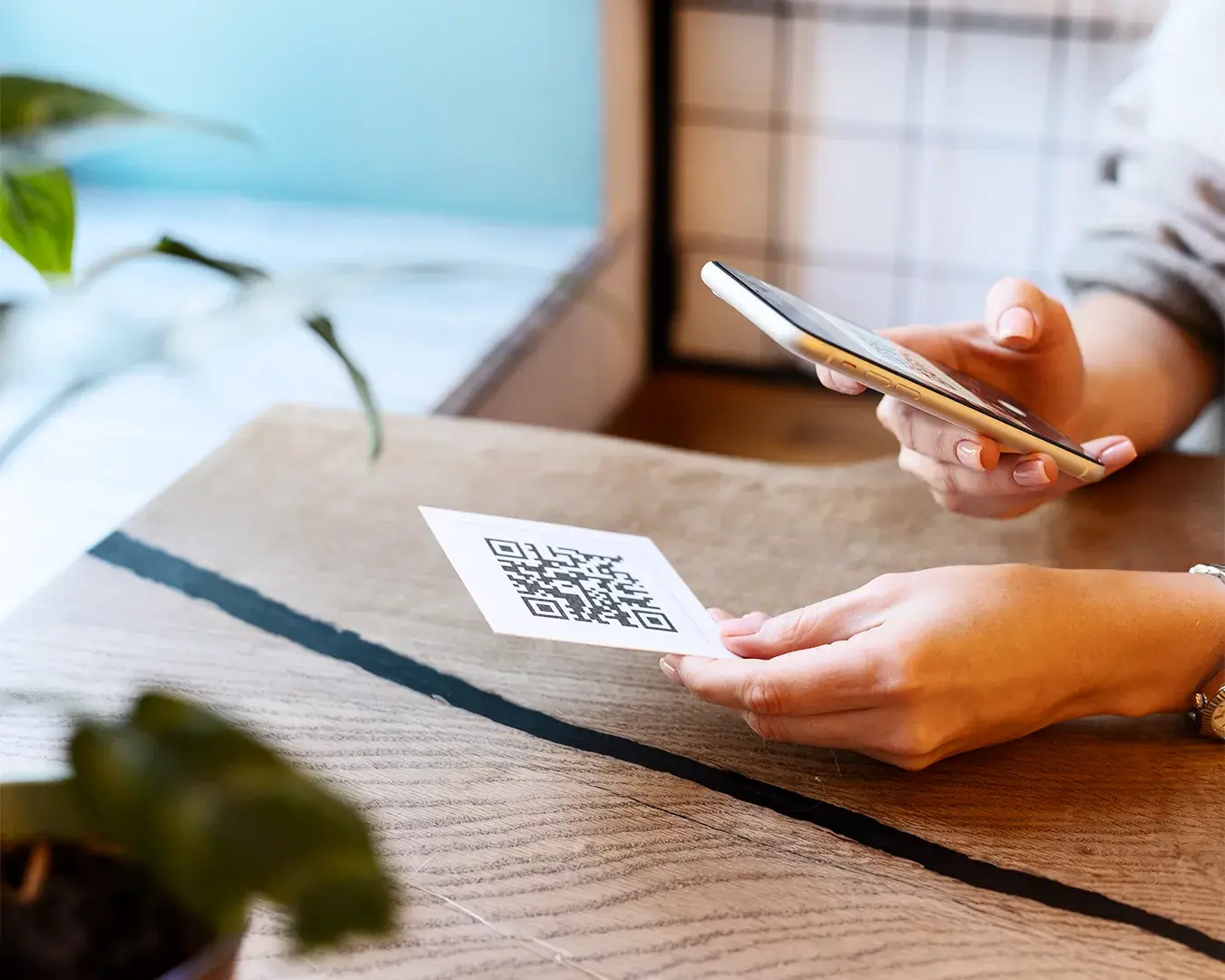
The most common mistake in F&B is the reliance on PDF uploads. A PDF is a document designed for printing, not for a five-inch smartphone screen. When a guest has to download a file just to see what you serve, you have already lost.
Your menu should be live, responsive text. It needs to load instantly. It needs to be searchable. When you use a mobile-optimized web menu, your SEO improves because search engines can actually read your dish names and descriptions. If someone searches for “best laksa in Orchard,” a PDF won’t help you show up. A text-based menu will.
The Psychology of Price Placement
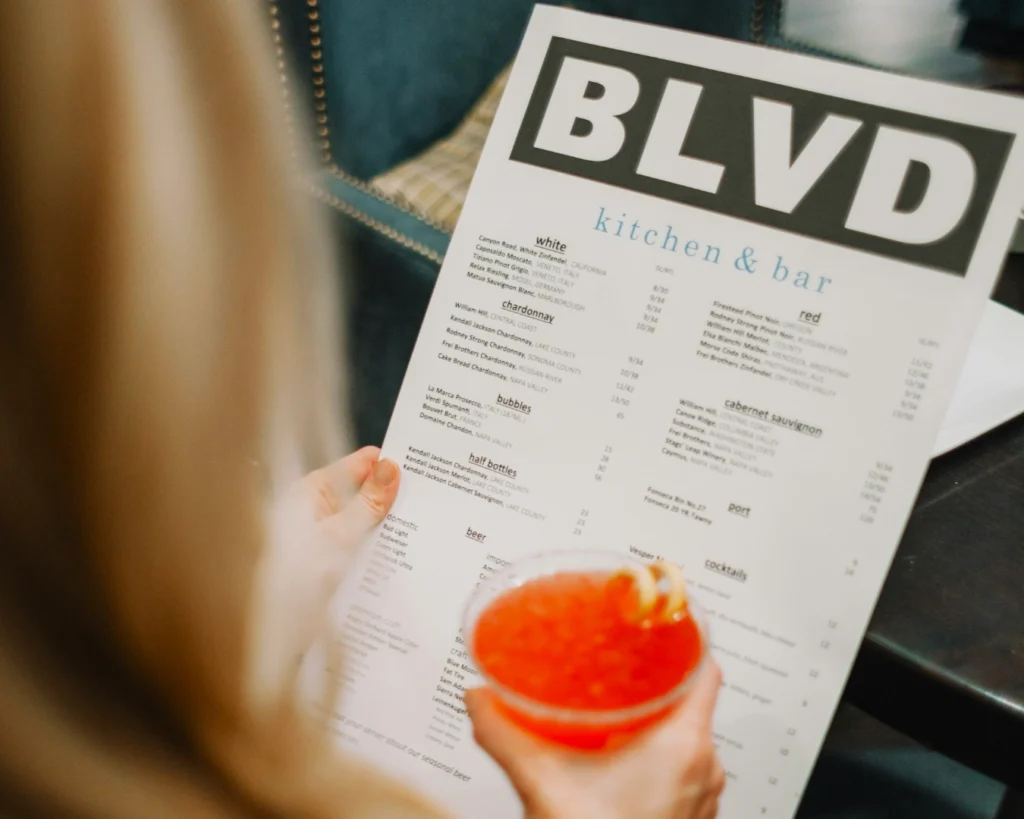
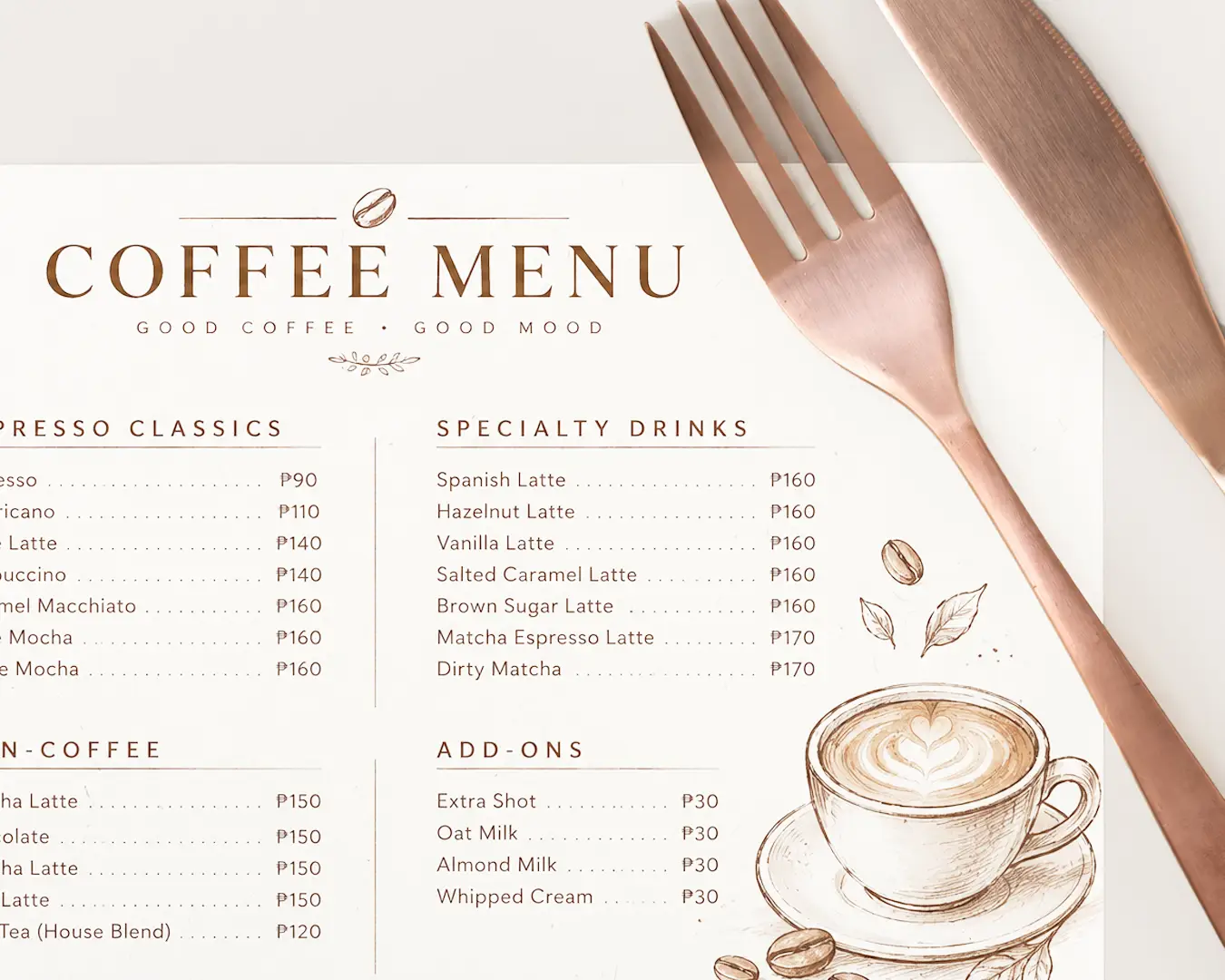
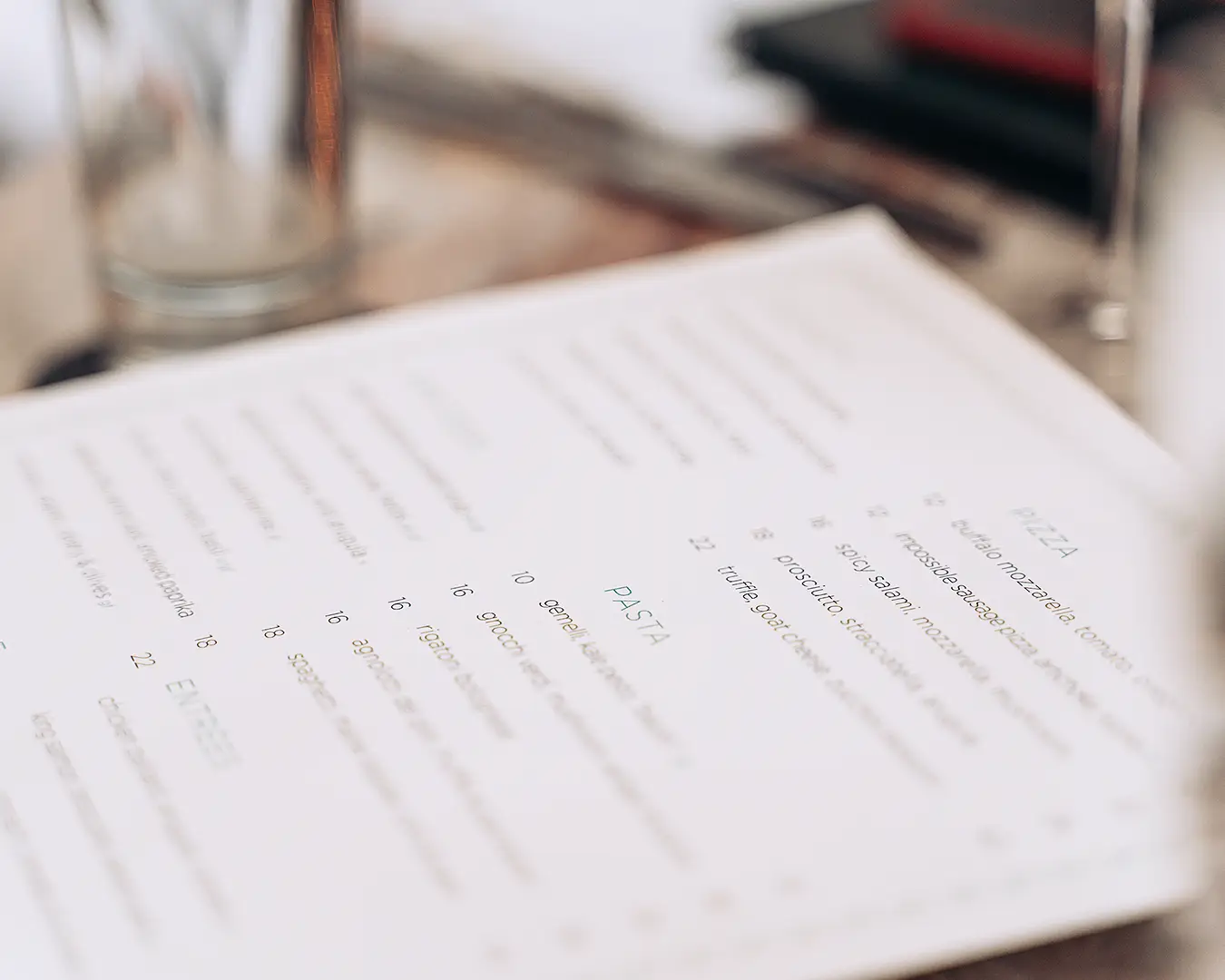
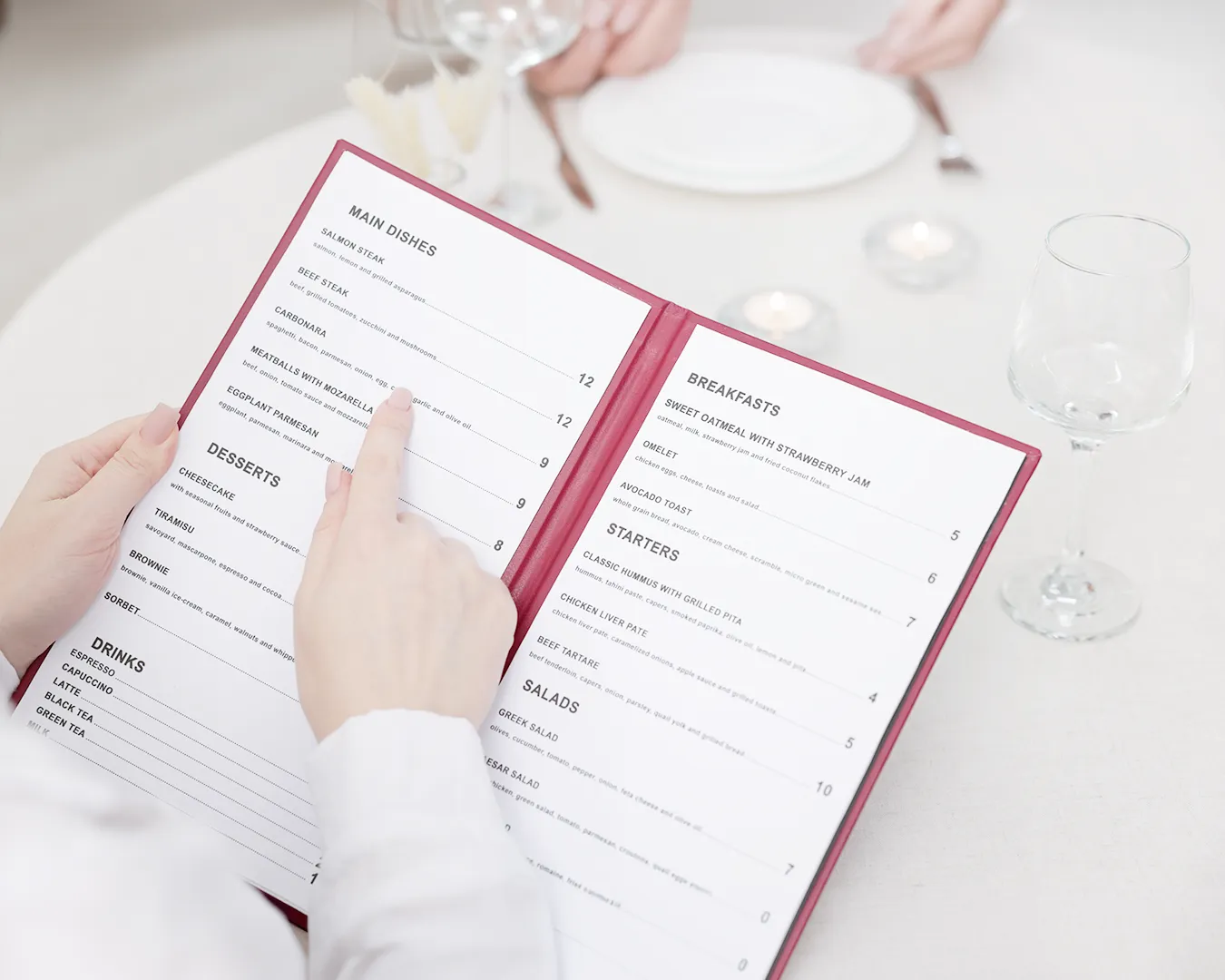
How you display your prices dictates how guests perceive your value. Avoid using dollar signs ($). In menu engineering, the symbol serves as a constant reminder of the pain of spending. Simply listing the number 24 instead of $24.00 softens the psychological impact.
Keep your prices tucked at the end of the dish description rather than in a neat vertical column. When prices are aligned in a column, guests scan for the cheapest number first. When the price is integrated into the text, they read the ingredients and the value proposition before they see the cost. This small shift in layout can increase your average check size without you ever changing your food.
Description Is Not Just Ingredients
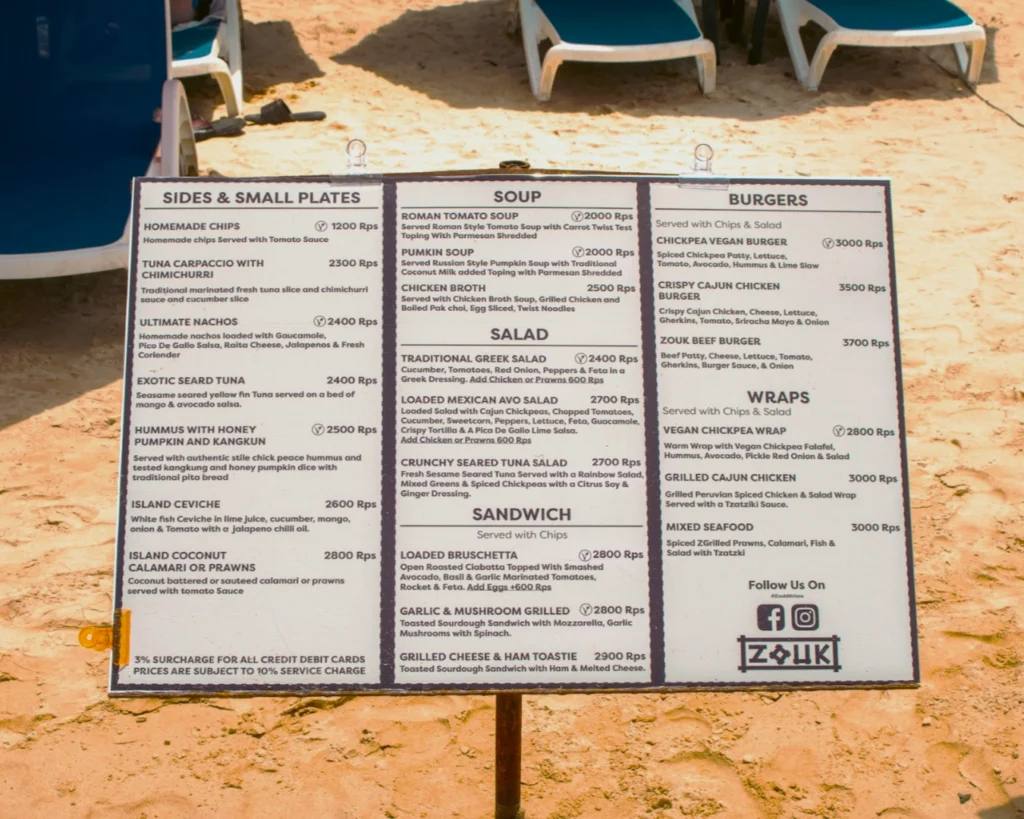
A list of ingredients is a grocery list. A menu description is a sales pitch. At Atelier Creations, we advise owners to focus on provenance and preparation.
Instead of “Grilled Chicken with Vegetables,” try “Charcoal-Grilled Sakura Chicken with Seasonal Greens.” The first is a commodity. The second is an experience. Be specific. Mention the technique. Use words that imply texture and temperature. Do not over-embellish with meaningless adjectives. Stick to the facts that make the dish unique.
If you have a high-margin signature dish, give it space. Use a subtle box or a different font weight to draw the eye. Your digital menu should act as your best server, quietly nudging the guest toward the items that make you the most profit.
Photography: Less is More
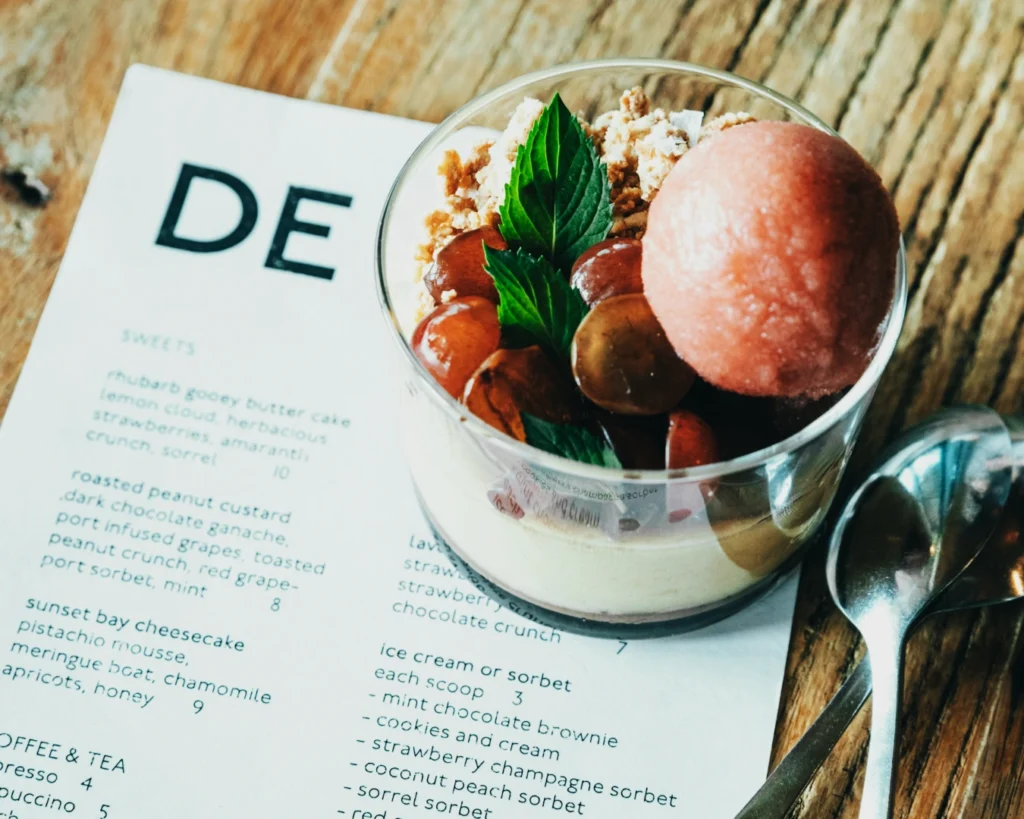
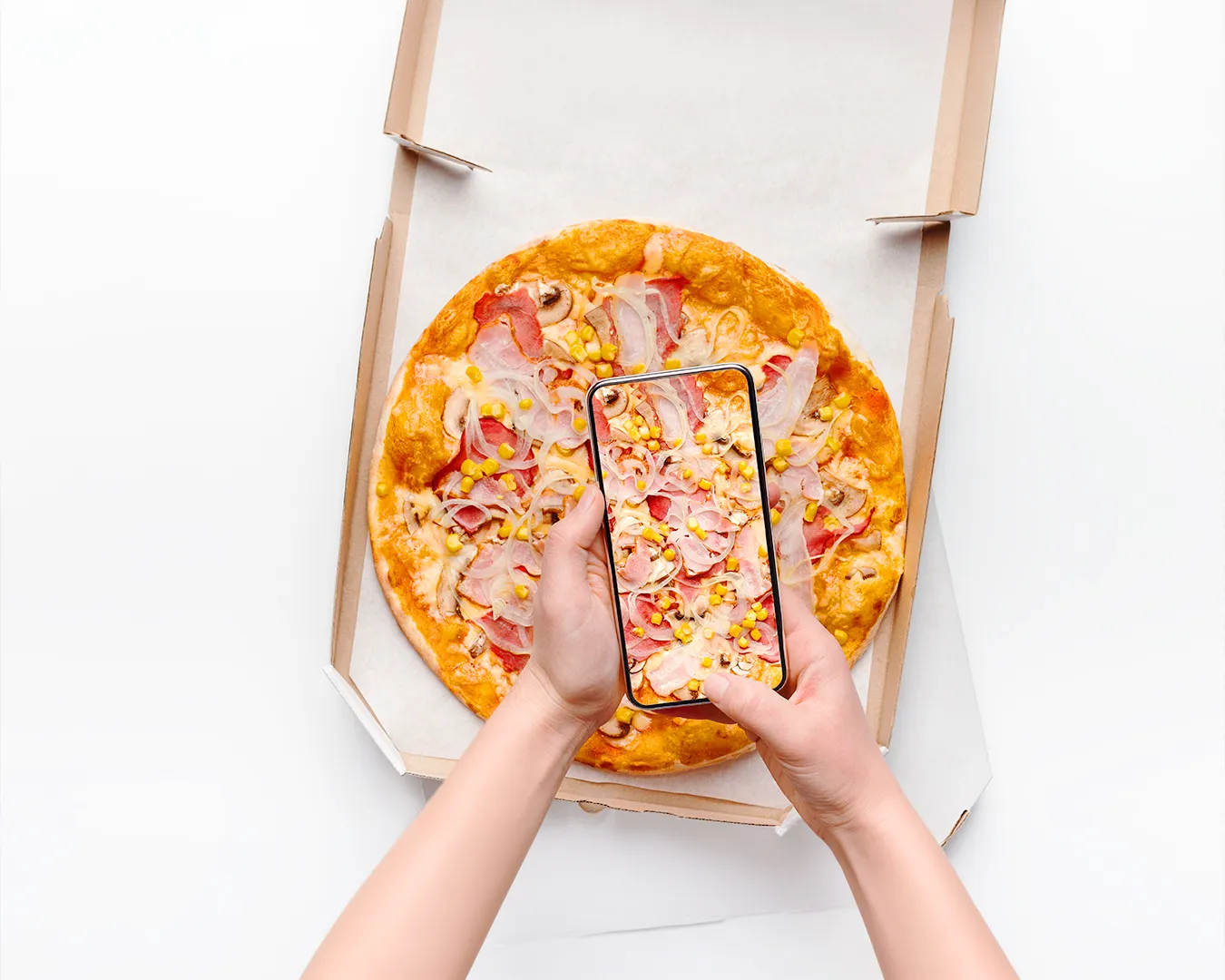
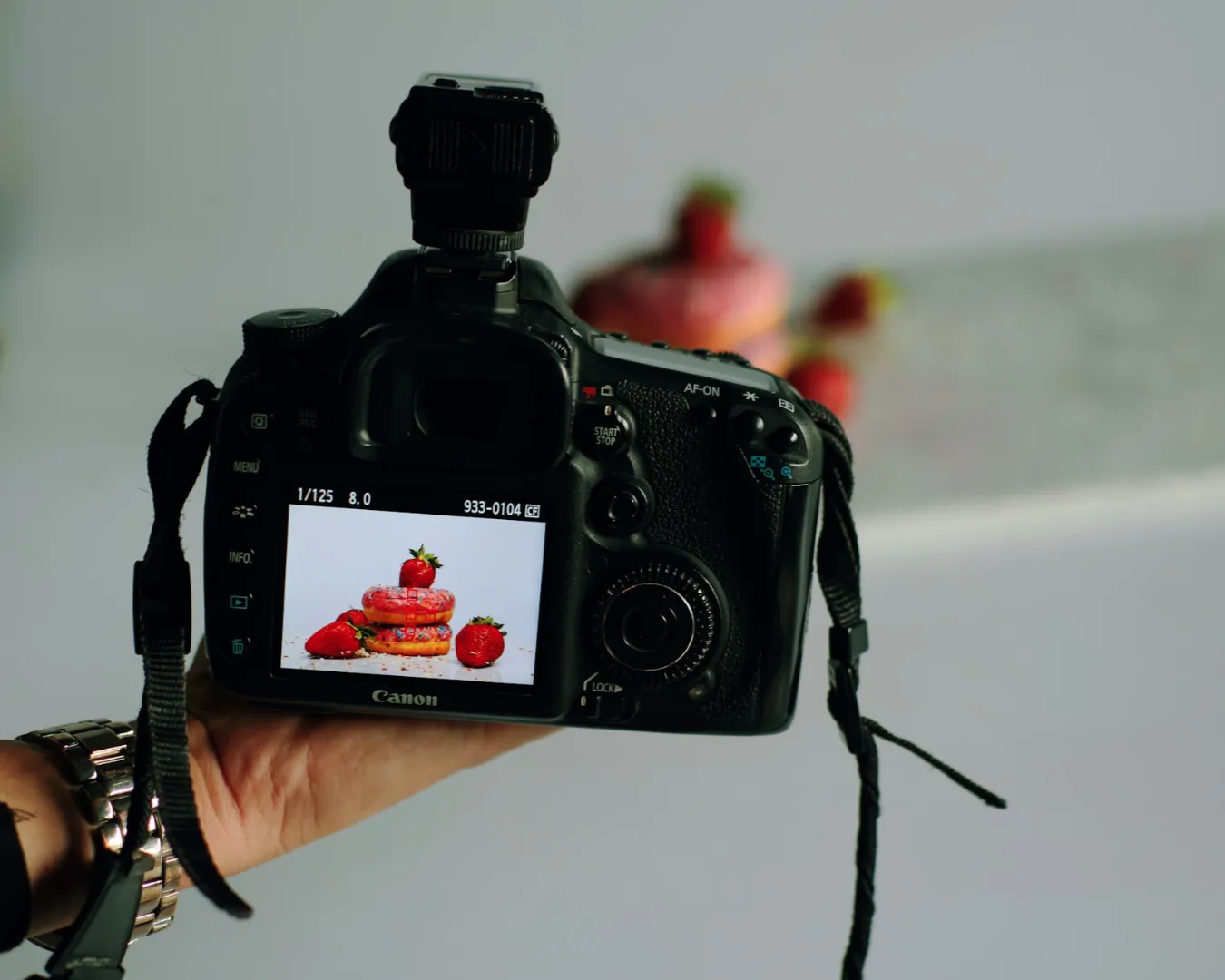
One professional, high-resolution photo of your best-selling dish is worth more than twenty amateur shots of your entire menu. Digital menus often become cluttered with poor imagery. If a photo does not make the food look better than it does in person, delete it.
Focus on lighting and composition. Ensure the colors are vibrant and accurate. If you cannot afford professional food photography right now, it is better to have no photos than bad photos. A clean, well-typeset menu without images looks premium. A menu with grainy, yellow-tinted photos looks cheap.
The Operational Reality of Updates
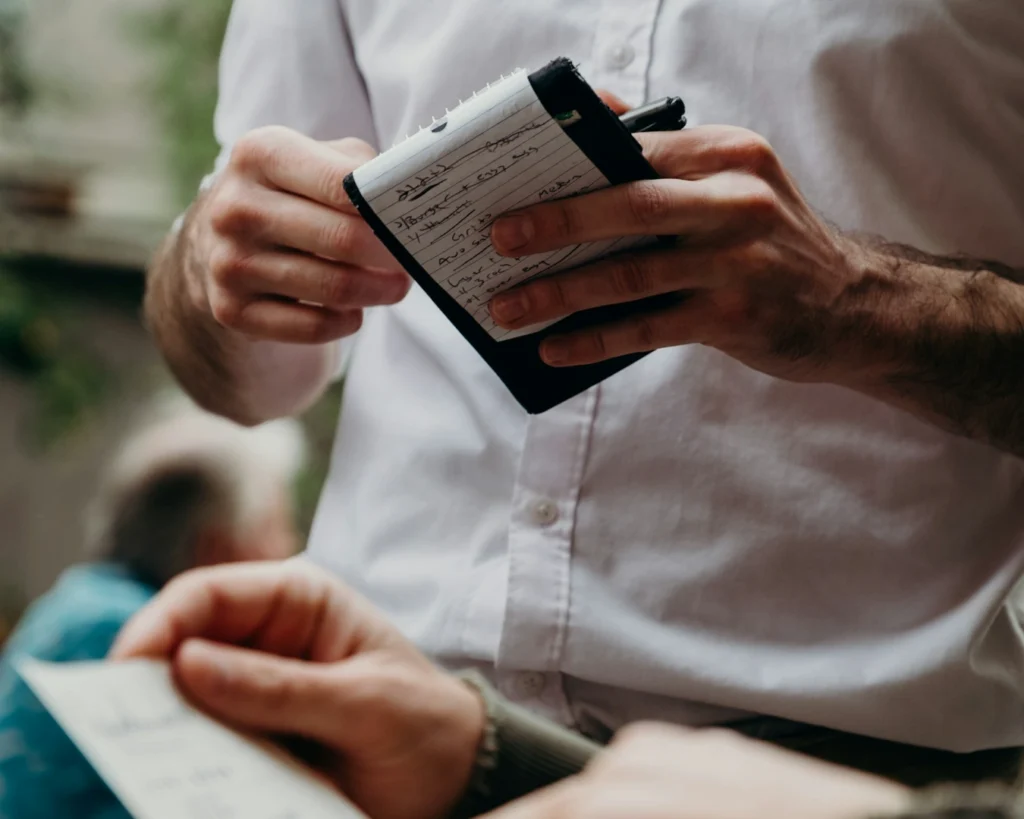
A menu is a living document. If you have an item that is sold out or a price that has changed, update the digital version immediately. There is nothing more frustrating for a guest than arriving for a specific dish only to be told it is no longer available.
Choose a platform that allows you to make these changes in seconds from your phone. If you have to call a web developer every time you want to change a seasonal vegetable, your menu will always be out of date.